

PhotoMark
印记
Photo watermarking with camera logos and EXIF data
Add a polished camera watermark to every photo
 v3.3.2

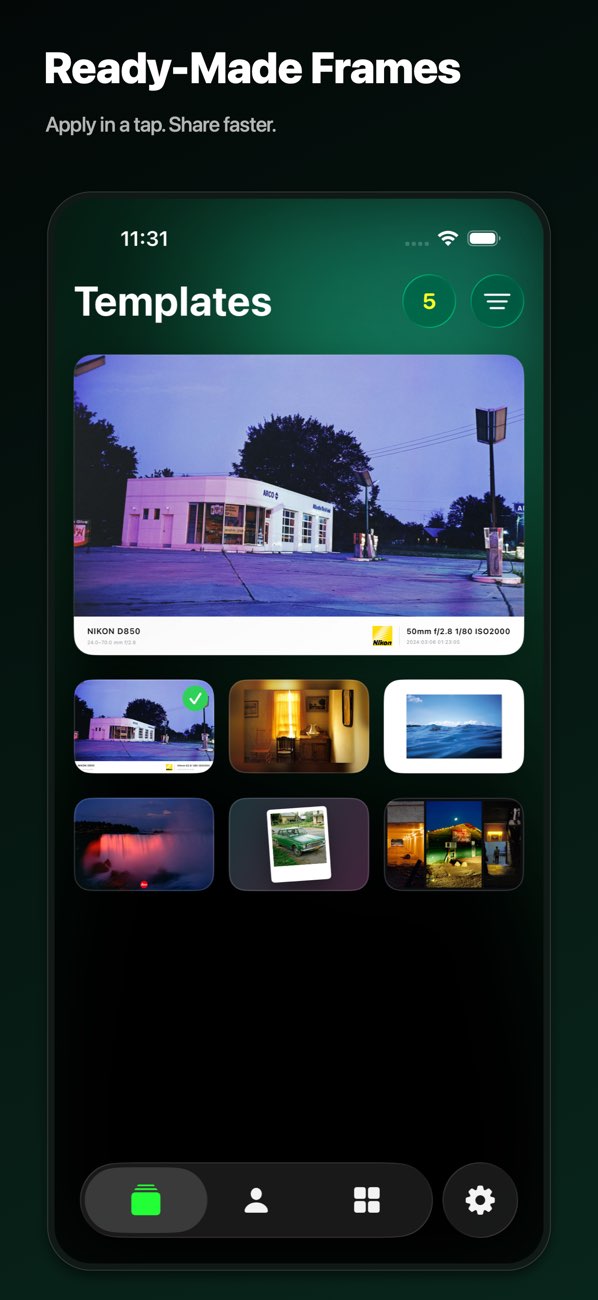
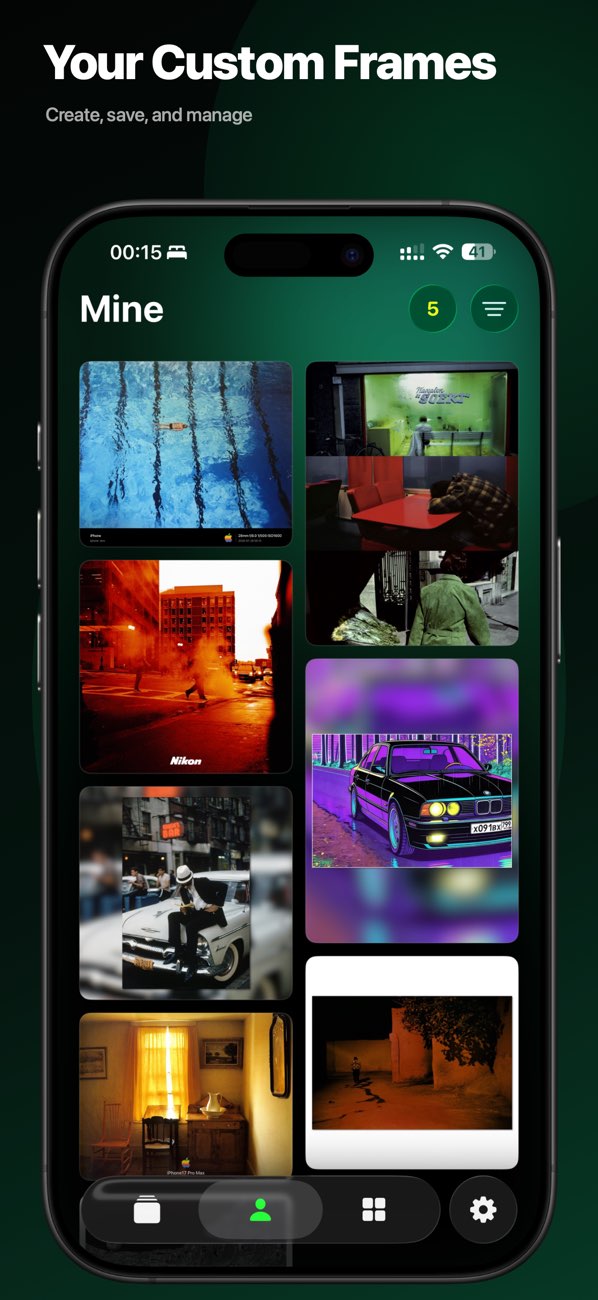

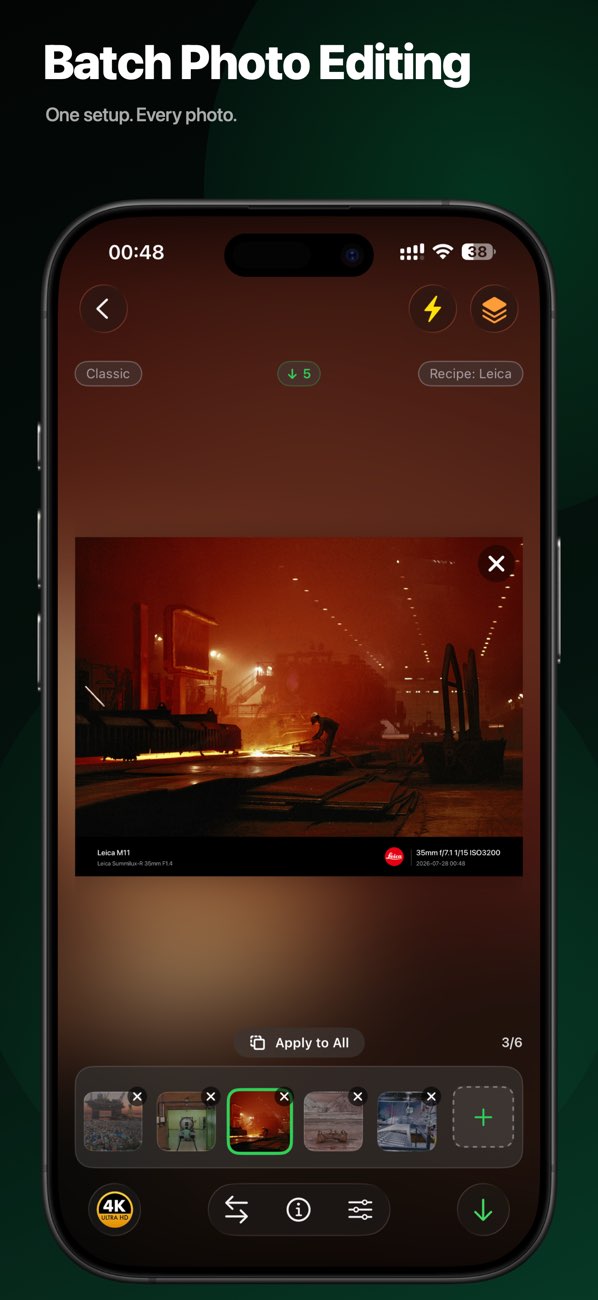

Key Features
Smart watermark generation
Batch photo processing
Multiple watermark styles
High-quality output
Release Notes
What's new in each platform's releases
- v3.3.2Latest
3.3.2 makes templates and brand logos more reliable and consistent. - Fixed: Saving a template now remembers your brand and logo setup, so logos no longer drift after reopening, downloading, or switching devices; if a brand is deleted, templates fall back to the default style. - Improved: Preview, editing, and export share one logo resolver, keeping camera, lens, and appended icons consistent from start to finish — what you see is what you get. - Fixed: Template covers are always generated from the real configuration, and collage layouts no longer collapse or show odd dimensions at extreme spacing. - Tip: Thank you for using PhotoMark; send questions or suggestions to leavestyle101@gmail.com, and we’ll keep refining your photo-creation experience.
- v3.3.1
3.3.1 makes photo selection in Cinema Frame more reliable and editing smoother. - Fixed: Replacing photos in Cinema Frame no longer loses or repeats your picker selections, unchanged photos skip reloading, and the current photo appears right away. - Improved: Gestures like drag-and-swap now apply only to the photo layer to avoid mis-touches; previews decode once, and images are composited only when exporting or saving templates, so editing large photos feels smoother. - Improved: A clearer, larger loading indicator appears while photos are processed. - Tip: Thank you for using PhotoMark; send questions or suggestions to leavestyle101@gmail.com, and we’ll keep refining your photo-creation experience.
- v3.3.0
3.3.0 gives you more freedom to frame photos and more confidence while editing, with four-sided info bars, frame-side border controls, quick resets, and steadier previews and recipes. - New: Place the Classic Frame info bar above, below, left, or right of your photo, change text orientation on side bars, toggle the border on the info-bar side, and fine-tune brand-logo positioning. - New: Blur and Art Frame previews now offer Restore Defaults to reset the current photo’s frame settings with one tap. - Improved: Clearer foreground, background, and aspect-ratio tools for Blur and Art Frames, plus refreshed template covers and matching previews in the user guide. - Improved: Multi-photo editing gives photos more preview space, centers portrait images, and keeps transitions between editing and preview more consistent. - Fixed: Recipe edits stay available with a message when saving fails, and Cancel leaves changes unsaved. - Fixed: Random shooting parameters in a recipe now stay consistent for the same photo across preview, editing, and export. - Fixed: Cinema Frame drag-and-swap actions run once, and older previews no longer replace newer results after switching photos or changing settings. - Fixed: Clipped content in the logo picker, with improved tap targets and navigation on earlier iOS versions. - Tip: Thank you for using PhotoMark; send questions or suggestions to leavestyle101@gmail.com, and we’ll keep refining your photo-creation experience.
- v3.2.1
This update focuses on multi-photo editing and export performance. - Improved: Multi-photo editing — the tool panel now stays open while swiping between photos, so per-photo adjustments flow without reopening tools; adding, deleting, and switching photos animate smoothly. - Faster: Large-photo export — high-resolution panoramas export in about 1–2 seconds instead of ~11, with instant feedback the moment you tap download. - Fixed: Overlapping info-bar text on wide photos in the Classic Frame. - Improved: Export long side now matches the selected quality tier exactly; onboarding adds prev/next arrows. - Tip: Thank you for your support. If you have questions or suggestions, contact us through App Support on the App Store — we'll keep refining the experience.
Get PhotoMark now
Add a polished camera watermark to every photo
v3.3.2