

ImageFit
图适
Compress, convert, and optimize images in one place
Make every image fit every platform
 v4.7.1
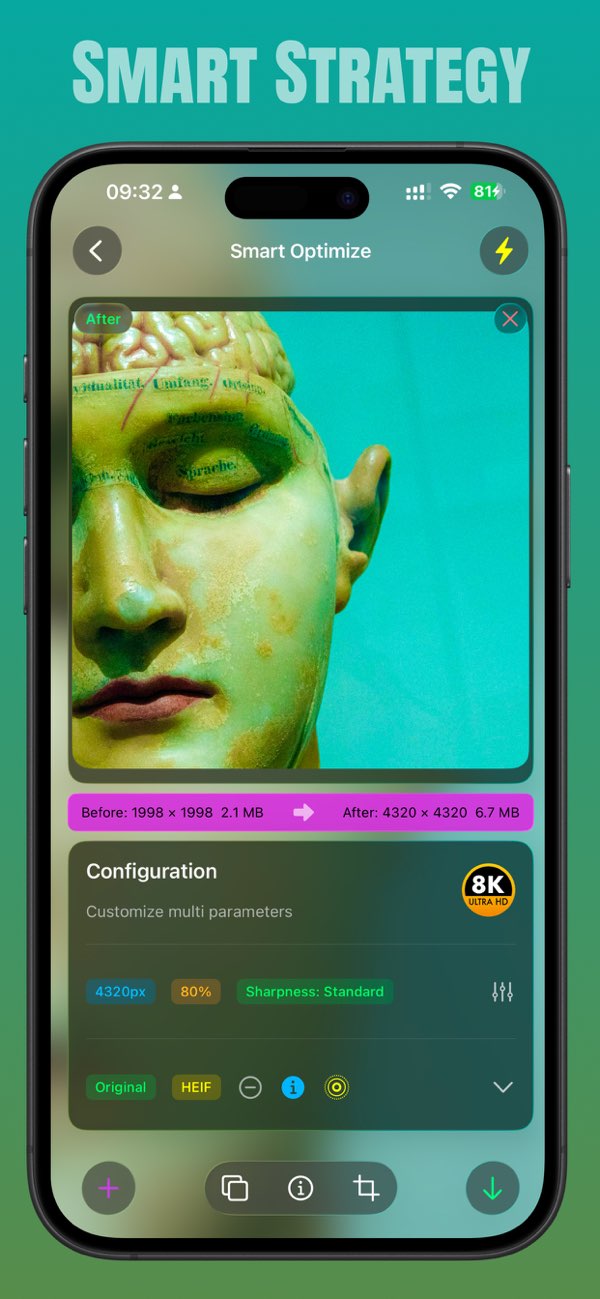
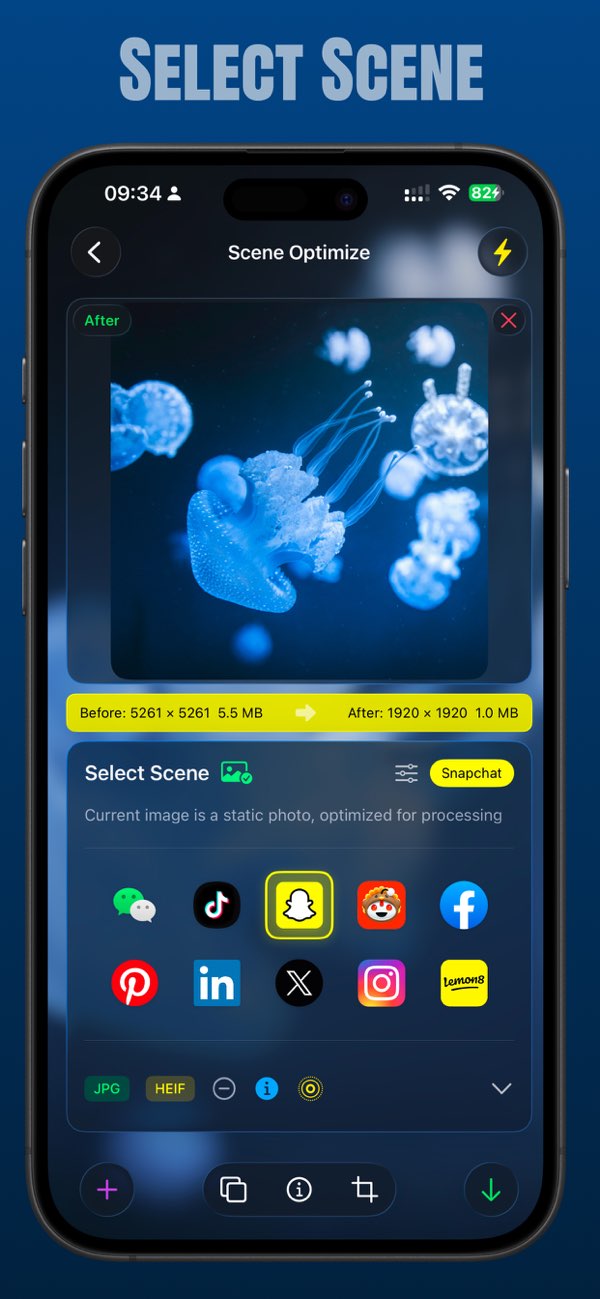
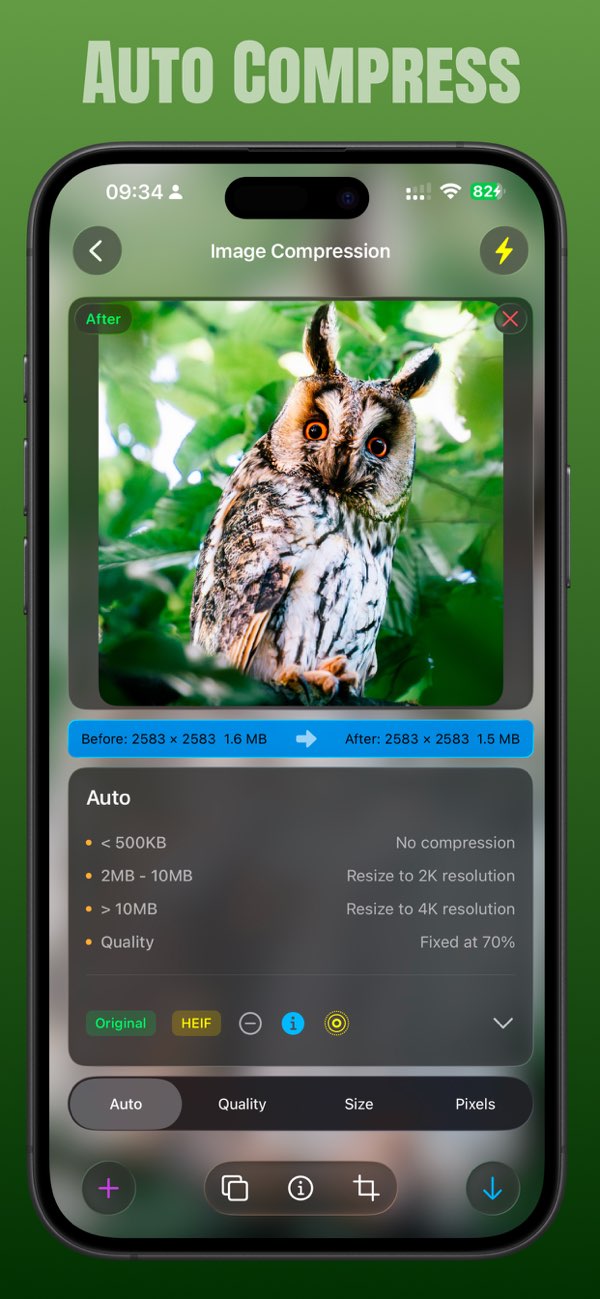
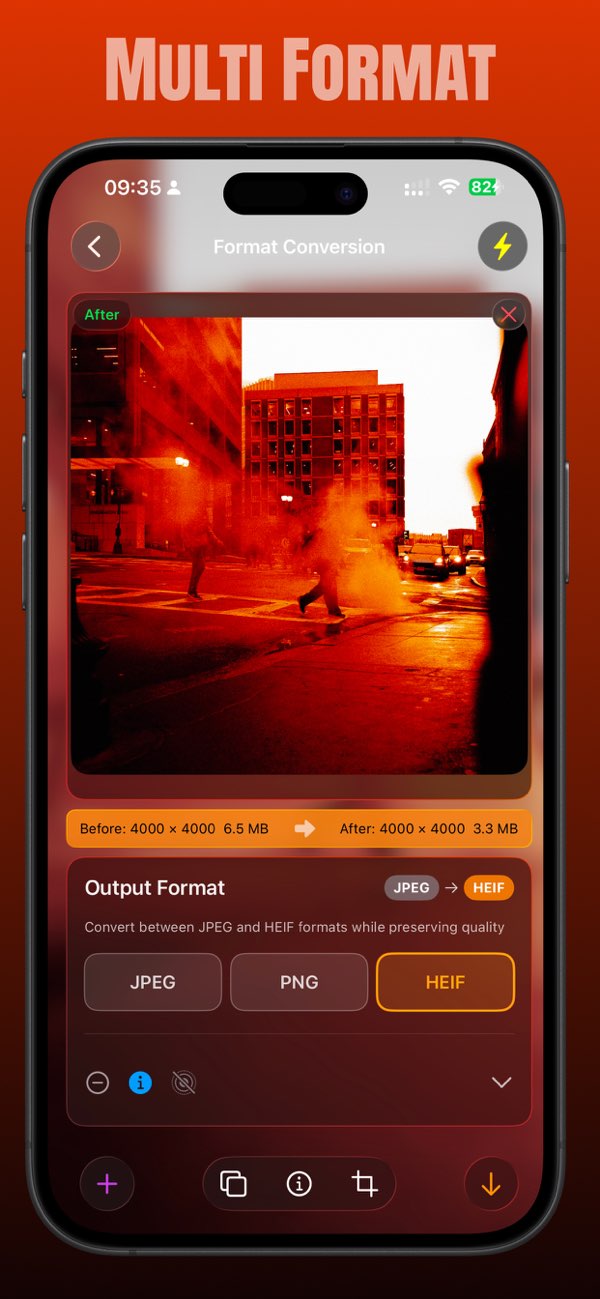
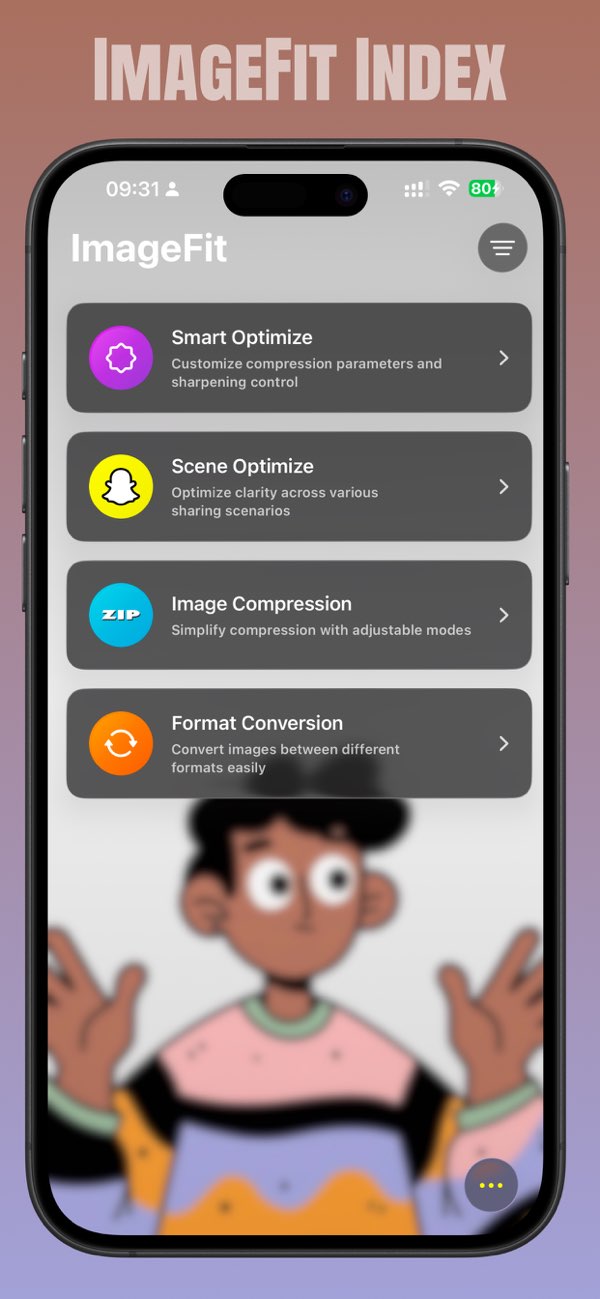
Key Features
Smart compression algorithm
Multiple format conversion
Batch processing
Quality guarantee
Release Notes
What's new in each platform's releases
- v4.7.1Latest
Bug fixes and stability improvements. • Fixed a crash that could occur when displaying shutter speed in photo metadata • The photo picker now keeps its position and selection when you switch between editing modes • You can re-import photos right after clearing the editor • Original photos are now deleted as soon as the compressed copy is saved successfully Thank you for using ImageFit! If you have a moment, a rating on the App Store helps us a lot.
- v4.7.0
Version 4.7.0 adapts ImageFit for iOS 27, refreshing the interface with glass materials and making batch processing faster. - Adapted: Built for iOS 27 — segmented pickers now use the native glass control, navigation transitions no longer flicker, and onboarding pages gained glass flip arrows. - New: Lightning batch processing comes to quality and size compression, applying your current settings to multiple photos in one tap. - New: Save animation settings add an Off option alongside Standard and Fast. - Improved: "Soft Light" is renamed "Natural Soft Light" with a new icon; the original-format tip now appears by default until acknowledged. - Fixed: Improved stability in batch processing and photo imports.
Get ImageFit now
Make every image fit every platform
v4.7.1